
Add a Camera (Draft)
Cameras are per-printer
PrinterMon does not have a standalone Add Camera flow. Cameras are configured on a printer-by-printer basis, set via the Webcam Path field in the Add Printer or Edit Printer dialog. Each printer can have one camera URL.
Set the webcam path
Webcam Path
In the Add Printer or Edit Printer dialog, expand Advanced. The Webcam Path row has three inputs: the prefix (http://<ip> with <ip> auto-filled from the IP Address field), the Port, and the Path. Most setups only need to confirm the Port and Path.
Common defaults by firmware:
- Klipper / Mainsail / Fluidd. Port 80, path
/webcam/?action=stream. (MJPEG stream from crowsnest / camera-streamer.) - OctoPrint. Port 8080, path
/?action=stream(mjpg-streamer) or whatever you set in OctoPrint's webcam plugin. - PrusaLink. PrusaLink cameras are usually a separate device; use the Camera IP field that PrusaLink shows above the Webcam Path.
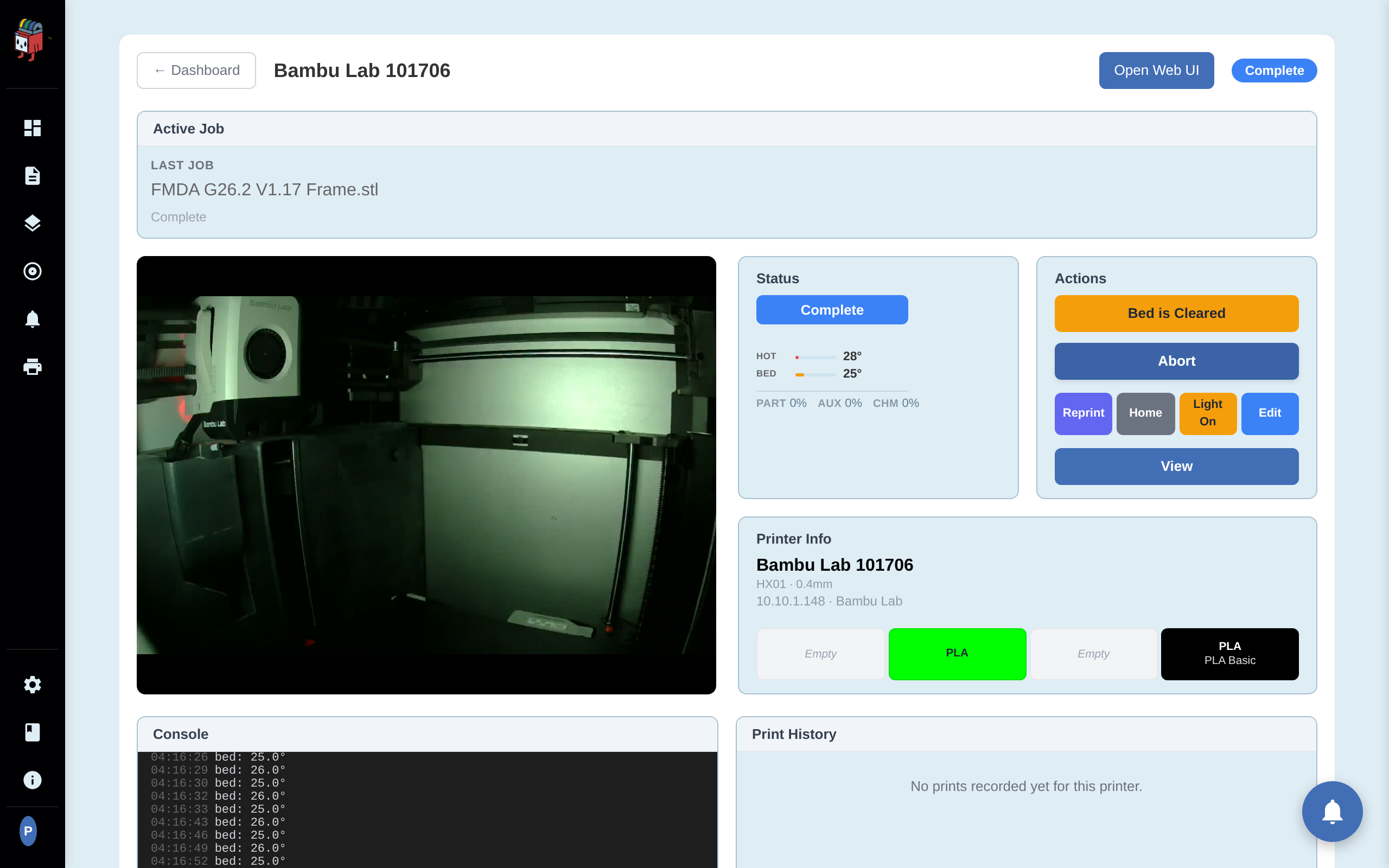
- Bambu Lab. PrinterMon's built-in Bambu camera proxy at
/api/bambu-camera/<printer_id>handles auth and codec. You don't set the Webcam Path manually for Bambu. - go2rtc proxy. If you run go2rtc and want PrinterMon to fetch from it, paste the full proxy URL in the path field (the prefix is auto-handled).
Save and view
Click Save (Edit) or Add Printer (Add). The Camera column on the dashboard now shows the feed for that printer as a snapshot that refreshes every 10 seconds. Click the printer to open its detail page for the live view.
How PrinterMon renders the feed
To keep bandwidth low across your fleet, the dashboard grid (and the expanded row) shows each camera as a still image that refreshes automatically about every 10 seconds — not a continuous video stream. This applies to every source type: live MJPEG and MP4 feeds are automatically sampled down to a periodic snapshot for the grid.
To watch a printer live, click it to open its detail page. There the feed plays continuously — an HTML5 <video> element for MP4, or continuous MJPEG for stream.mjpeg and the Bambu proxy, with automatic reconnection.
For most stream types PrinterMon does not proxy — the browser fetches directly from the printer. The Bambu camera and any go2rtc-fronted streams go through PrinterMon. Either way, the stream is not recorded.
Troubleshooting
- Camera column shows a blank box. The URL is unreachable from the browser. Open the URL directly in a new tab to confirm.
- Dashboard image looks stale or frozen. The dashboard shows a snapshot that refreshes every 10 seconds, so brief staleness is expected. For a live view, open the printer's detail page; live streams there reconnect automatically if the connection drops.
- Camera works in the printer's own UI but not in PrinterMon. The printer may serve the stream on a path PrinterMon doesn't default to. Open the printer's UI, find the camera URL it uses, and paste the path into the Webcam Path field.