
Settings: Custom Manufacturers & Models
PrinterMon ships with a catalogue of manufacturers (Bambu Lab, Prusa Research, Creality, Voron, etc.) and the models under each. The Custom Manufacturers & Models card is where you extend that catalogue when you have a printer it doesn't know about — a niche manufacturer, a one-off build, a developer board.
Card Layout
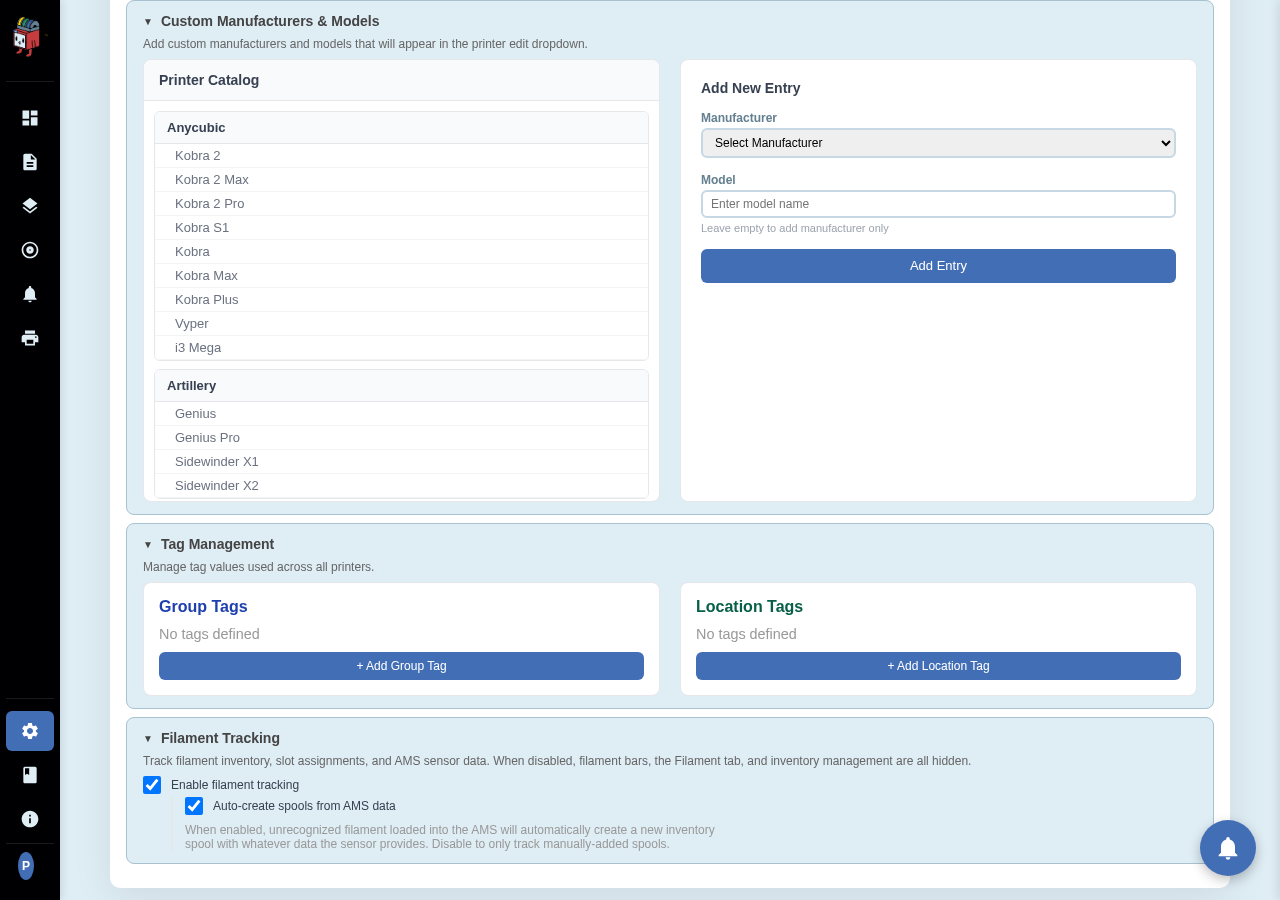
Settings > Printers > Custom Manufacturers & Models. Left side is the catalogue browser, right side is the Add form.
Add a new entry
- Pick an existing manufacturer from the dropdown, or choose + Add New Manufacturer to type a new name.
- Type the model name. Leave it blank to add the manufacturer only (useful when you have a manufacturer but the model isn't known yet).
- Click Add Entry.
The new entry shows up immediately in the Printer Catalog list on the left, and in the Manufacturer/Model dropdowns on the Add Printer / Edit Printer dialogs.
Editing or removing
The Printer Catalog list on the left lets you expand a manufacturer to see its models. Custom entries (the ones you added) have a remove control next to them. Built-in catalogue entries cannot be removed, only hidden by ignoring them at Add Printer time.