
Settings: Startup Smoke Tests
The Developer tab is a dev-build affordance — production images don't ship the Developer module. Inside it lives Startup Smoke Tests, a one-click harness that exercises module registration, database reads, cache writes, file uploads, printer-add validation, and other major subsystems, in-process. Nothing leaves the node (except a probe to the local go2rtc daemon).
Smoke Tests Card
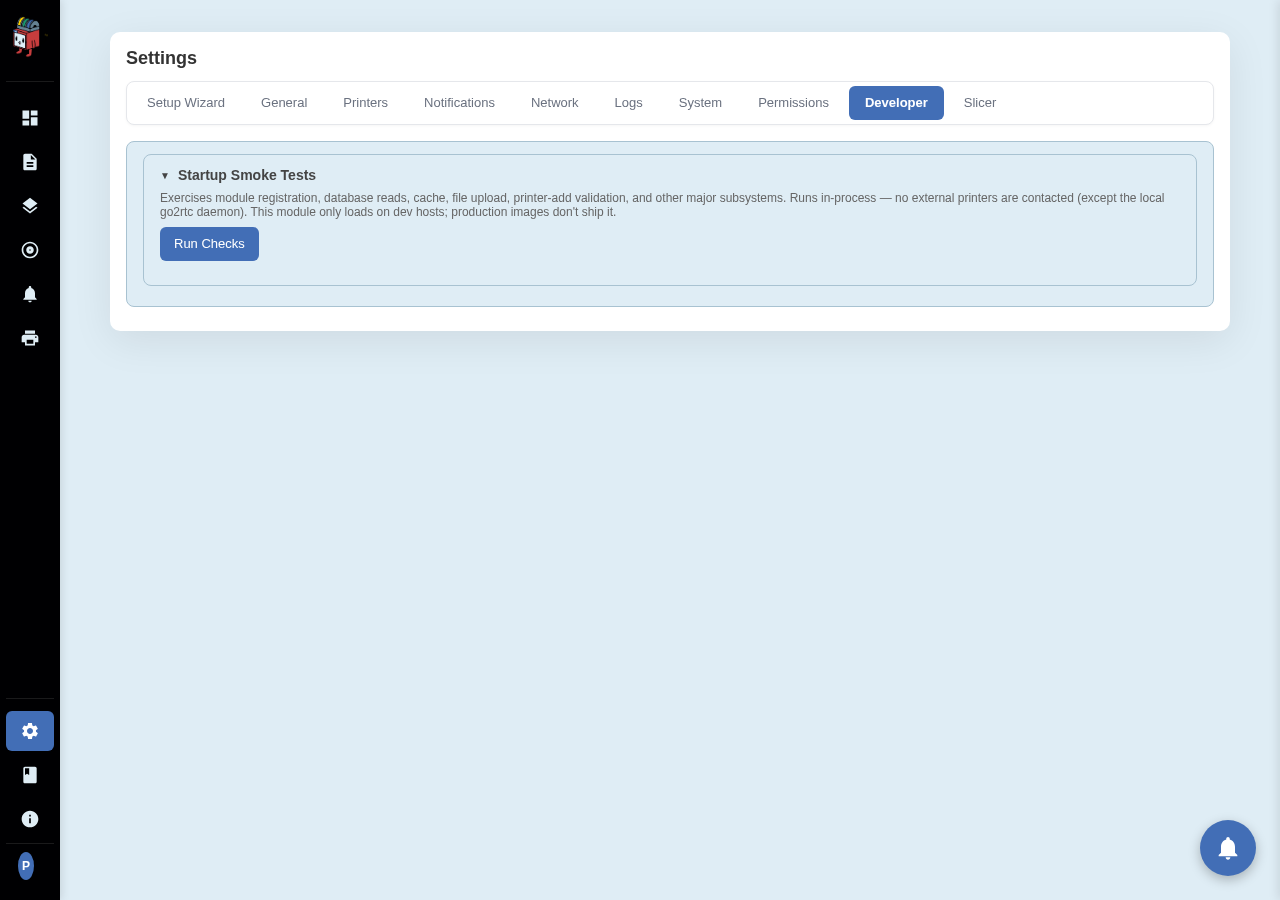
Settings > Developer > Startup Smoke Tests.
Running the suite
Click Run Checks. The button label switches to "Running…" and disables until the run finishes. Each check appears in the results table as it completes, with one of three statuses:
- PASS. Green pill. The check returned a clean result.
- FAIL. Red pill. The check raised an exception or returned an unexpected result. The Result column shows the error message.
- SKIP. Amber pill. The check's preconditions weren't met (e.g. a check that needs an AMS-equipped printer skips when none is present).
The summary line above the table shows the aggregate: "12/14 passed, 1 failed, 1 skipped". Each row's duration is on the right.
Why this exists
The suite is the fastest way to confirm "the bones are healthy" after a deploy or a config change. Run it after every container restart in dev, after every PR merge before testing manually, and after any change to module manifests or the database schema. A green run plus a passing pytest unit suite is usually enough to be confident in a build.