
Settings: Instance Name
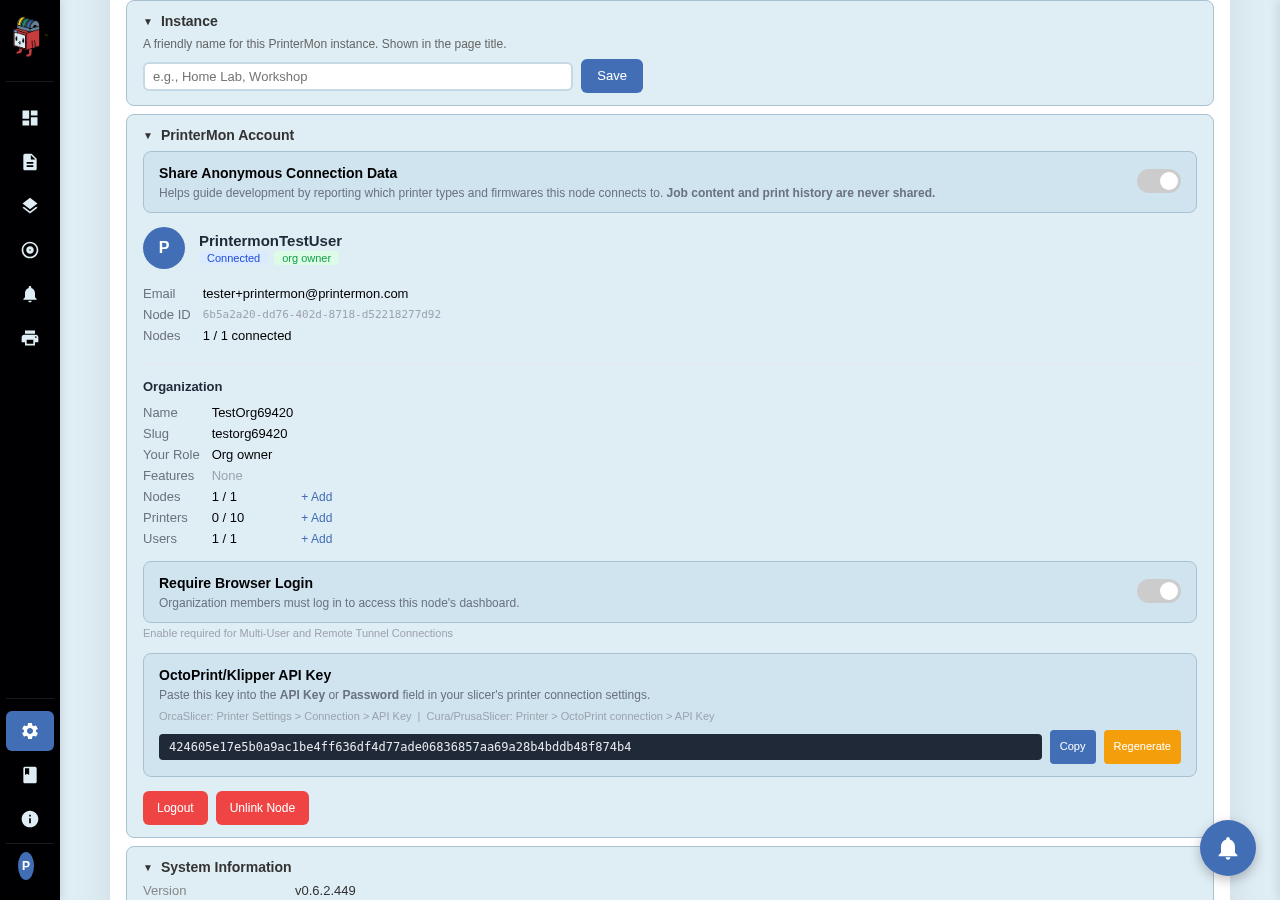
The Instance card is a single setting: the friendly name of this PrinterMon node. The value shows in the page title, in your printermon.com node list, and in the dashboard header. It's how you tell two nodes apart when you have more than one.
Instance Card
Settings > General. The Instance card sits at the top of the tab. Type a new name and click Save. The new value applies immediately; the browser tab title updates on the next refresh.
What to put here
- One node setups. Use whatever you'll recognise: "Home Lab", "Print Farm", "Workshop". Single-word is fine.
- Multi-node setups. Use names that distinguish location or role: "Garage", "Bench-1", "Voron-Cluster". The names sort alphabetically in your printermon.com node list.
Rate this page