
Settings: Network
The Network card configures how this node is discovered on the LAN. Today it has one setting: mDNS broadcast.
mDNS Toggle
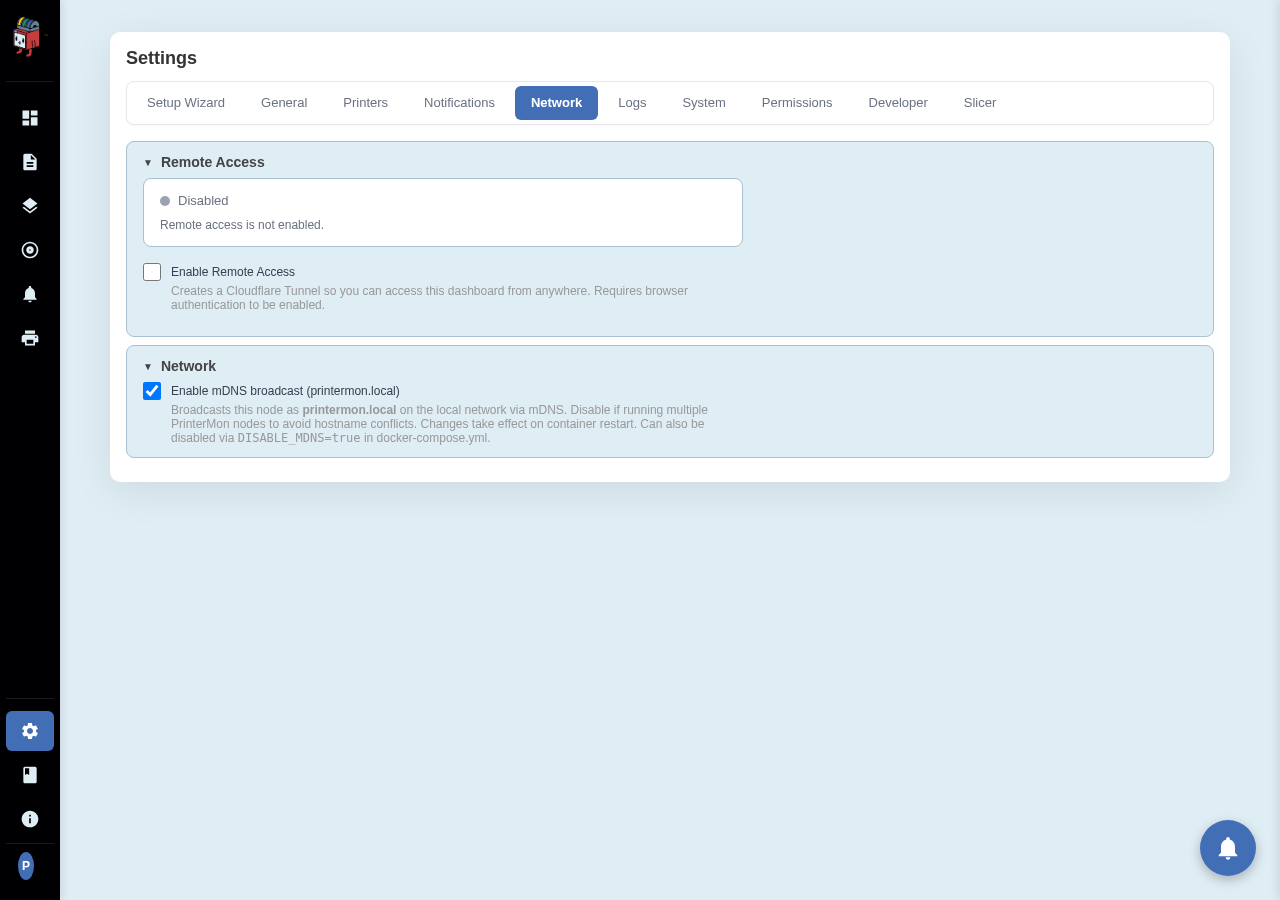
Settings > Network. The mDNS toggle is the only control on this card.
mDNS broadcast
When enabled, the node advertises itself as printermon.local over mDNS (Bonjour / Avahi). Devices on the same LAN can reach the dashboard at http://printermon.local:8888 without knowing the IP.
Disable when:
- You're running more than one PrinterMon node on the same LAN. Two nodes broadcasting the same name causes resolution flapping; pick one to keep mDNS on, turn it off on the rest.
- Your router/firewall blocks mDNS (some corporate networks do).
- You always reach the node by IP anyway and the broadcast is noise.
Changes take effect on container restart. You can also disable mDNS from docker-compose.yml with DISABLE_MDNS=true in the environment.
Rate this page