
Settings: Print History
Every job that runs on every printer is recorded as a row in the print history table. The history is kept forever by default — it backs the file library's "Last Printed" column, per-printer statistics, and filament usage tracking. This card is where you manually prune old rows when you want to.
Print History Card
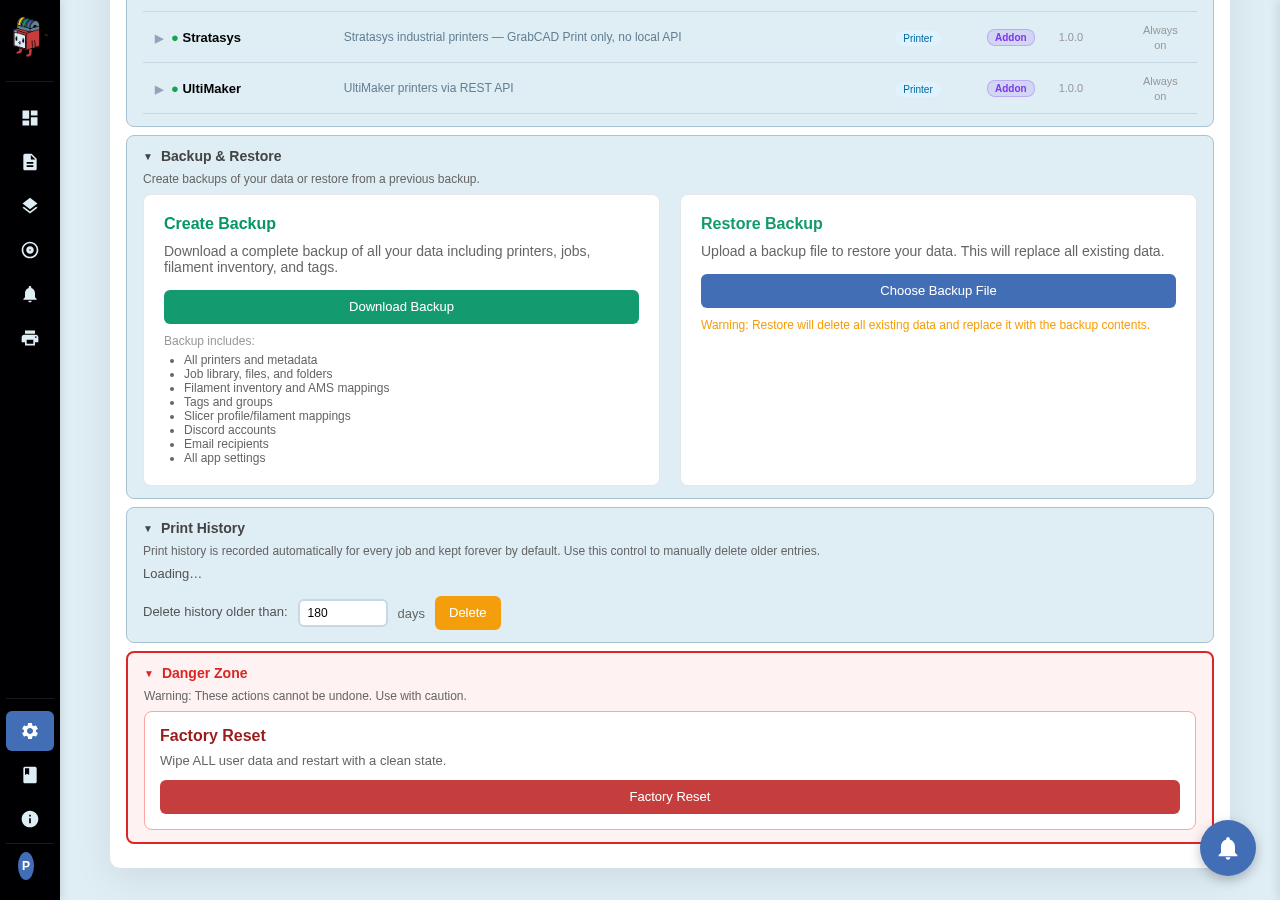
Settings > System > Print History.
Pruning
Set the day count and click Delete. Every history row older than that age is removed. The card shows a count of how many rows match before you click, so you can see the impact.
Pruning deletes the print history entries only — it does NOT delete:
- The G-code files themselves (those live in the library).
- Photos / thumbnails attached to completed jobs.
- Per-printer aggregate statistics.
Pruned rows are gone forever; the only way to recover them is to restore from a backup taken before the prune.
When to prune
Print history is small — typically a few hundred bytes per job. A node printing a job a day for a decade is still well under 1 MB of history. Most users never need to prune. The control exists for users who want to maintain a tight history window for privacy or compliance reasons.