
Add Printers to Printermon
Add Printer via Network Scan
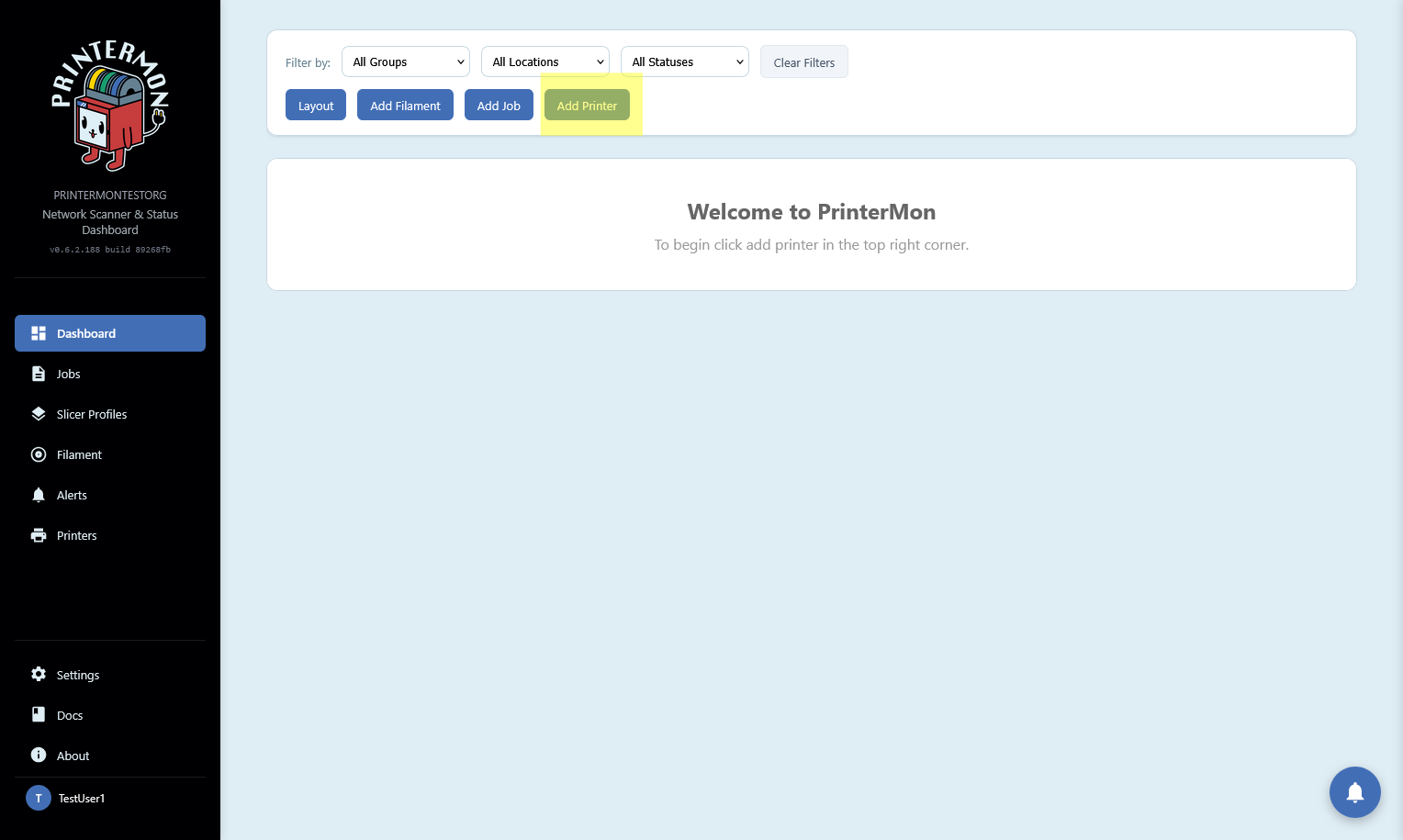
Click "Add Printer" on your dashboard.
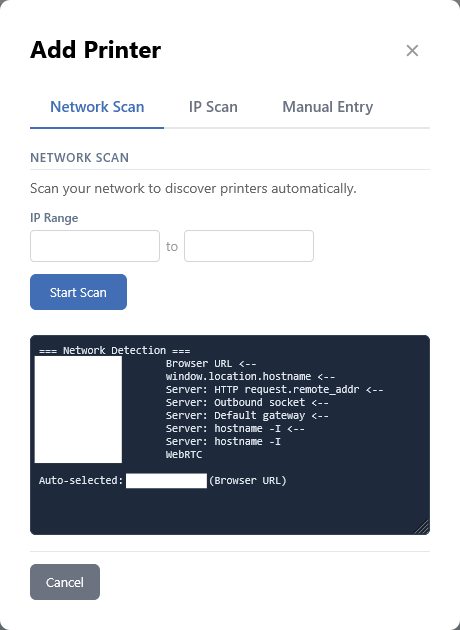
In the Add Printer modal. Fill out your IP address range if it is not autofilled, then click scan
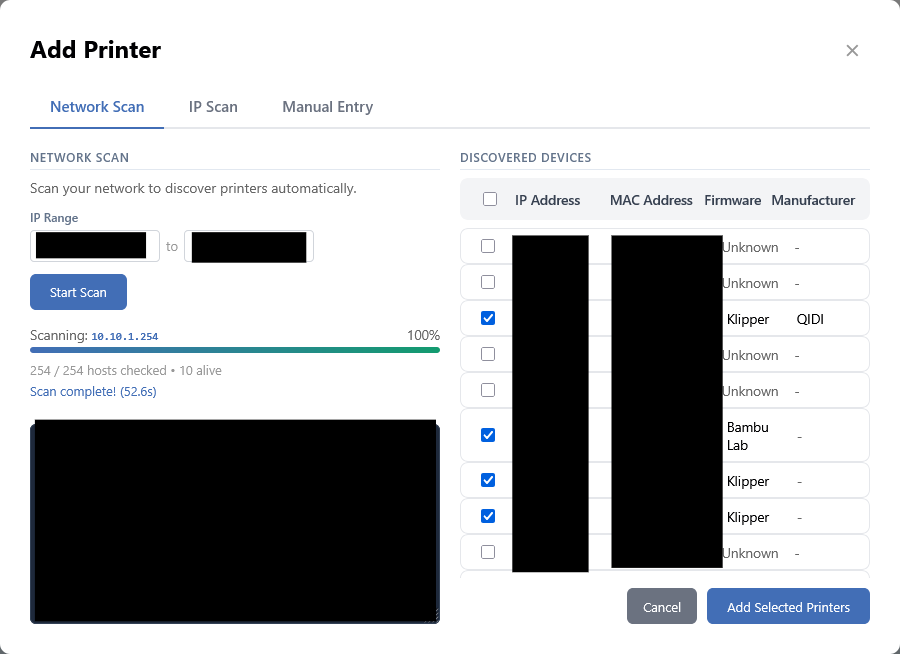
Once your scan completes you should see a selection of checkboxes with Ip addresses and Mac addresses. It will automatically detect printers if it can. (a forever work in progress feature because of how firmware is)
Select the printers you want to add and click next.
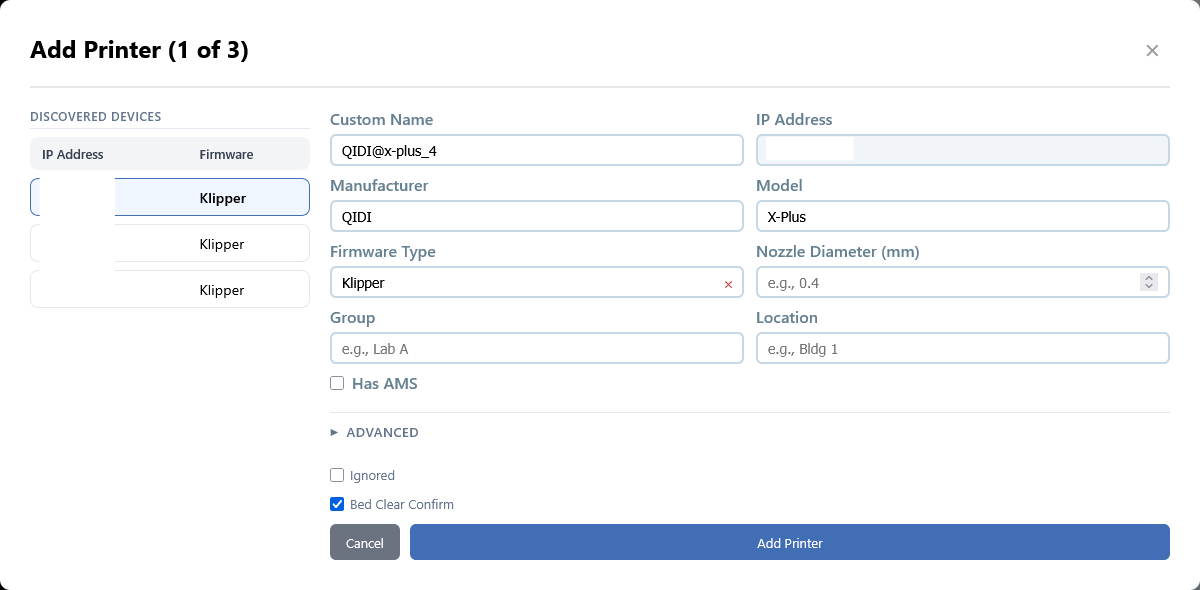
In this form we will confirm or update any information the auto detector found. If you have a very custom printer like a Voron, the advanced section has additional configuration options.
Repeat for each printer.
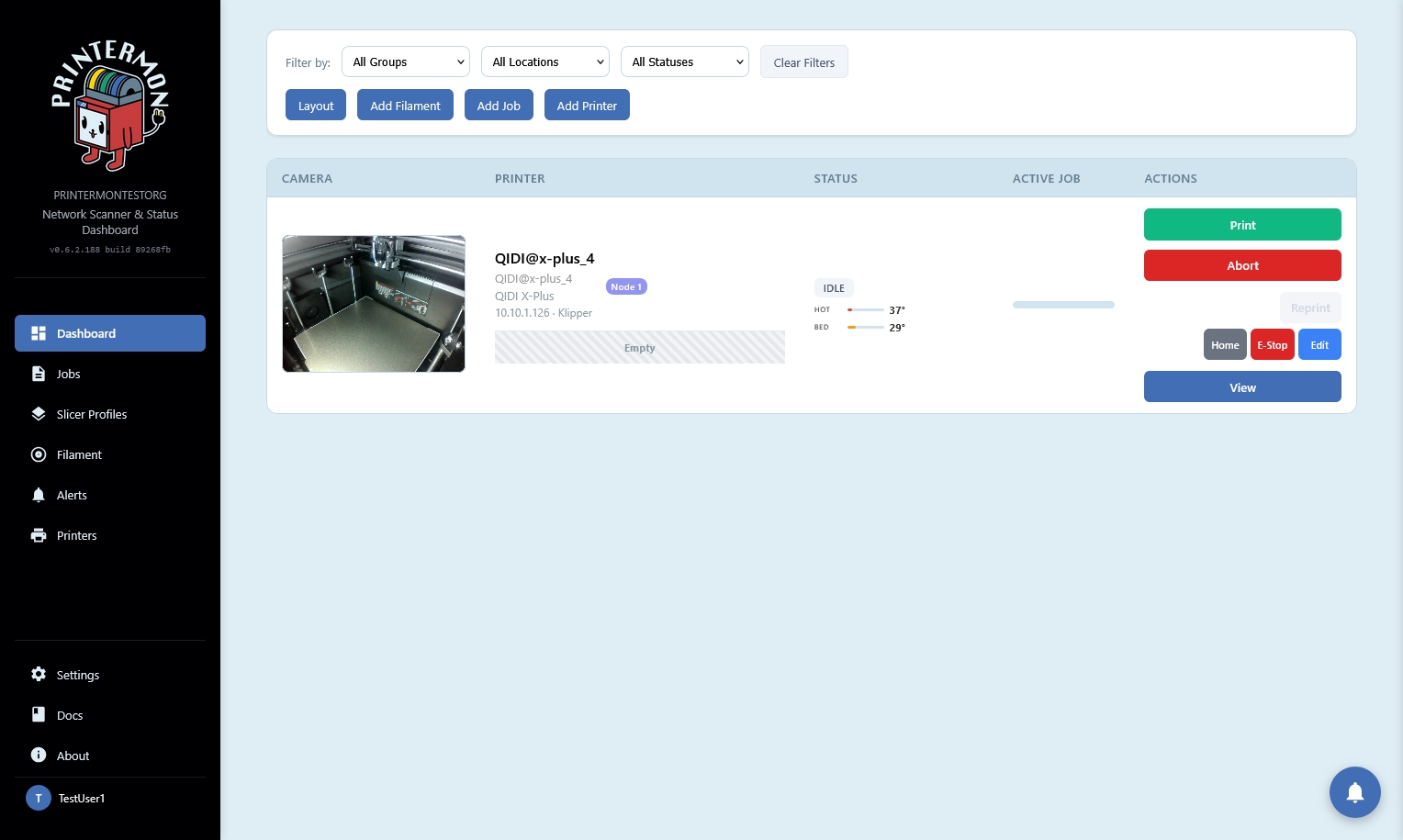
Once complete you will be redirected to the dashboard where your printers should be visible.
Add Printer via IP Scan
Click "Add Printer" on your dashboard.
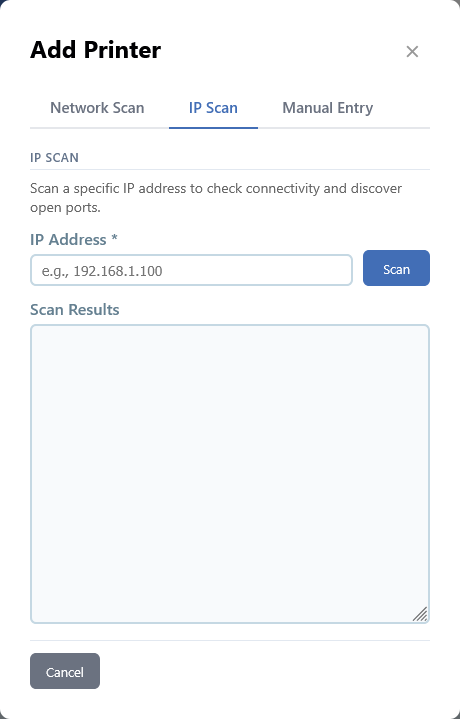
In the Add Printer modal, click the IP scan tab, then type in the IP address you want to scan.
Click Scan
Once the scan finishes you will be redirected to this form. Here we will confirm or update any information the auto detector found. If you have a very custom printer like a Voron, the advanced section has additional configuration options.
Click Add Printer
Once complete you will be redirected to the dashboard where your printers should be visible.